
See Every Station. Manage Every User. From One Dashboard.

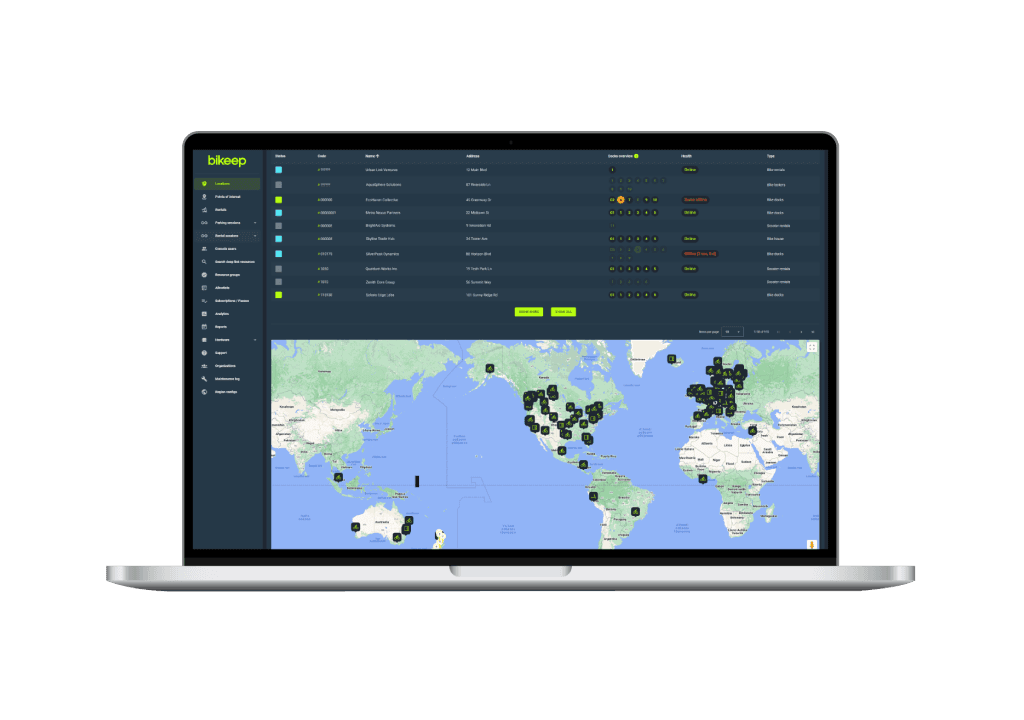
The Bikeep Console is the command center for your entire parking network. Bikeep hardware, firmware, claud, and the user app

One Dashboard for Your Entire Network

Purpose-built for parking infrastructure — not adapted from generic IoT tools

Know the Status of Every Station, Right Now

Live occupancy data, color-coded hardware health (Healthy, Unhealthy, Dead), voltage alerts, and WiFi signal tracking — all on one screen. The heartbeat system checks every station every 5 minutes and flags issues before your users notice them. Push firmware updates over the air without dispatching a technician.

Built on One Connected Platform

Console, App, and IoT Core — designed together, not stitched together. That means faster issue resolution, richer data, and zero integration gaps.

Connected to the Bikeep AppUser Layer

Connected to the Bikeep App

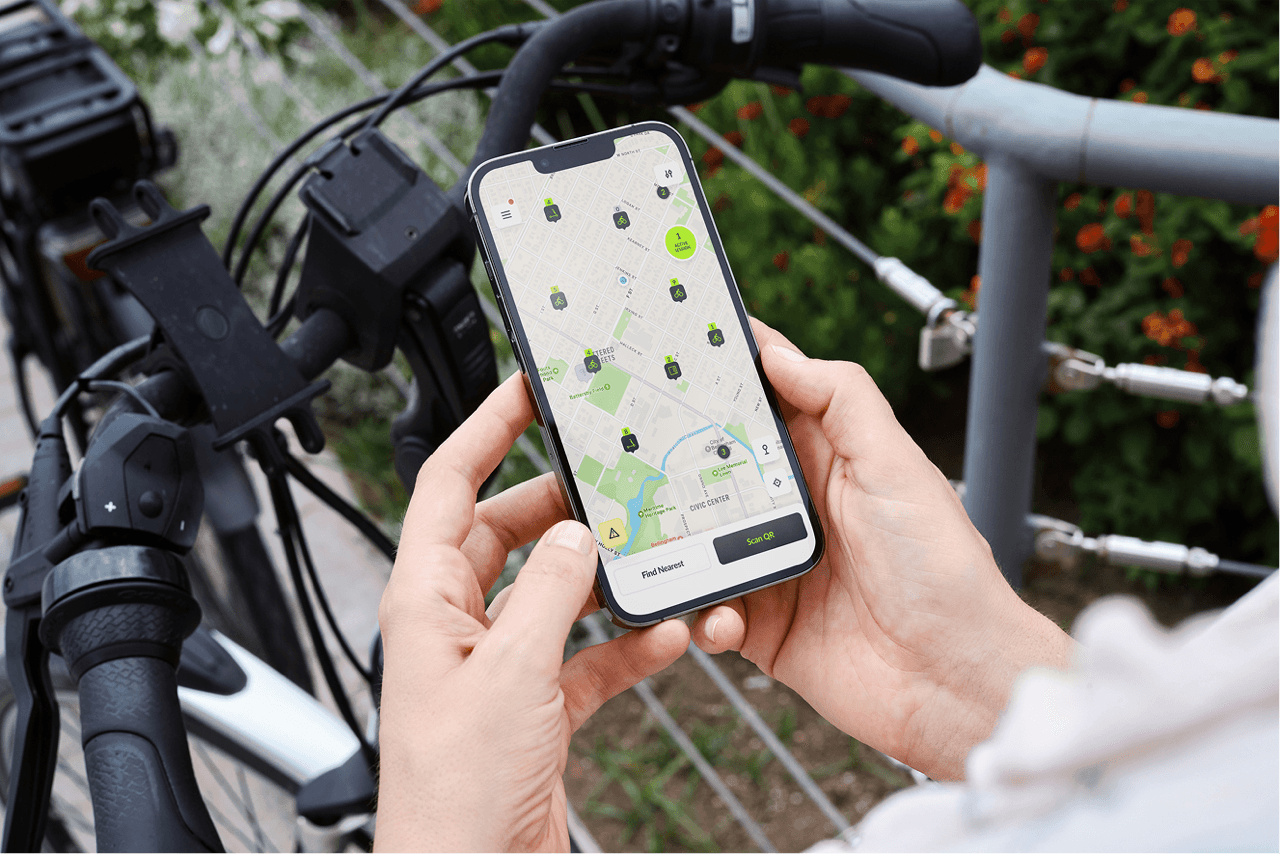
End users interact through the app — parking, unlocking, reporting problems, requesting new stations. Every action feeds directly into the Console in real time. No middleware, no data lag.

Powered by Bikeep IoT CoreData Layer

Powered by Bikeep IoT Core

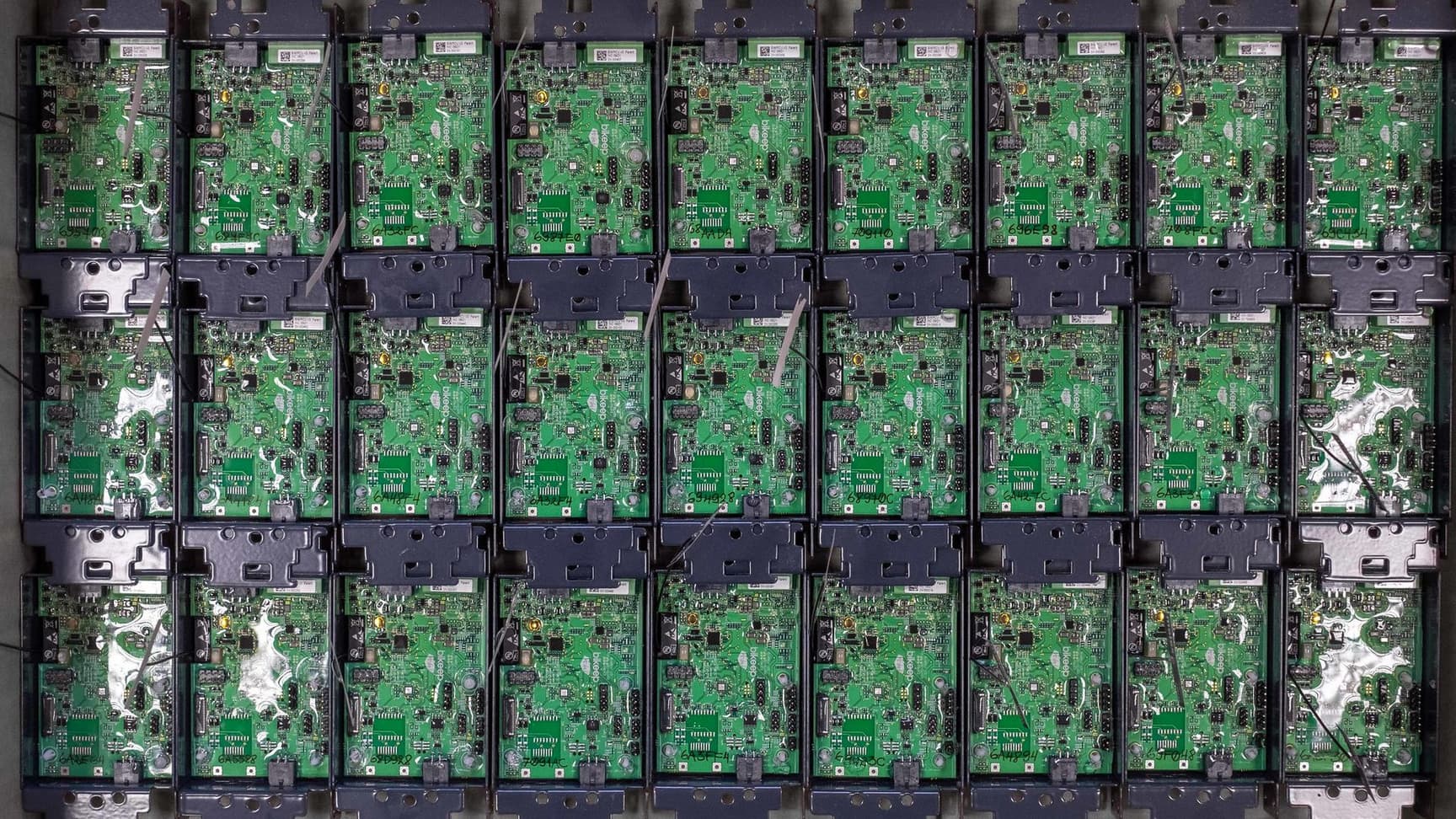
The Console reads hardware telemetry directly — voltage, connectivity, lock state, firmware version. Because Bikeep builds the firmware, the dashboard shows data no third-party tool can access.

Controls Every Station RemotelyControl Layer

Controls Every Station Remotely

Remote lock and unlock, OTA firmware updates, access rule changes — all executed from the Console and delivered to hardware instantly. One team built it all, so one dashboard controls it all.

Closed-Loop Feedback

Your Users Are Your Best Maintenance Sensors

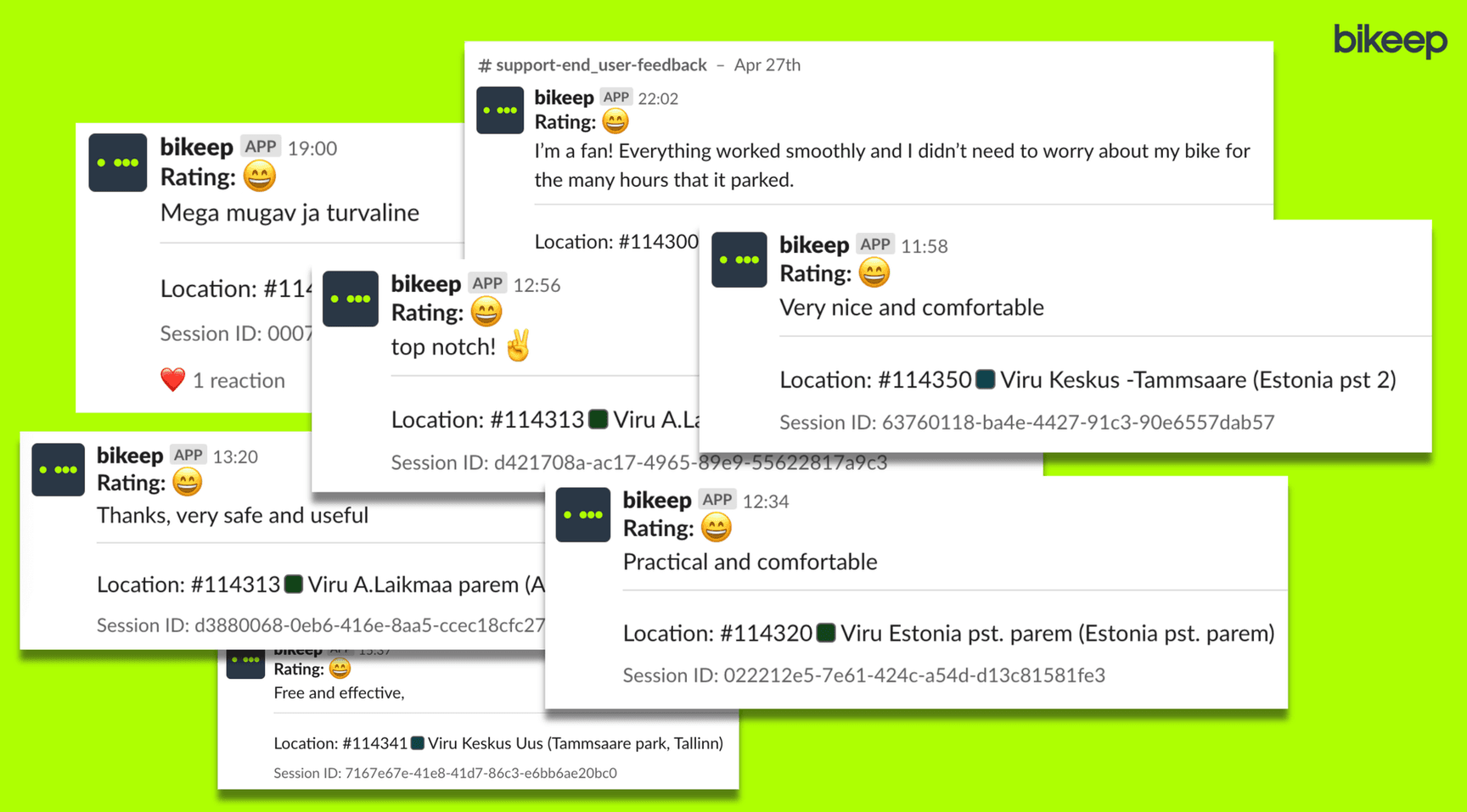
Most parking systems are blind to user experience. Bikeep closes the loop: cyclists report problems with photos directly in the app, and operators see feedback instantly in the Console. No phone calls, no email chains — just actionable reports with images.

Users snap a photo and describe the issue in under 30 seconds via the Bikeep app
Reports appear in the Console with location, timestamp, and user photo attached
One click converts any report into a maintenance task with Slack notification
When resolved, the user is automatically notified — closing the feedback loop
Demand heatmaps aggregate user requests for new station locations
See It in Action

Built for Every Stakeholder

Four perspectives, four workflows — all from the same Console

For Operators
1

Set Up and Deploy Stations

Configure docking groups, assign locations, set pricing rules, and push firmware — all remotely. Add new stations to the network in hours, not weeks.

2

Monitor and Respond in Real Time

Live health dashboards, voltage alerts, and user feedback arrive as they happen. Triage issues, create maintenance tasks, and track resolution from one screen.

3

Support Clients with Data

Share live analytics dashboards with your clients. Generate usage, uptime, and revenue reports on demand. Prove ROI without spreadsheets.

For Clients
1

Manage Your User Access

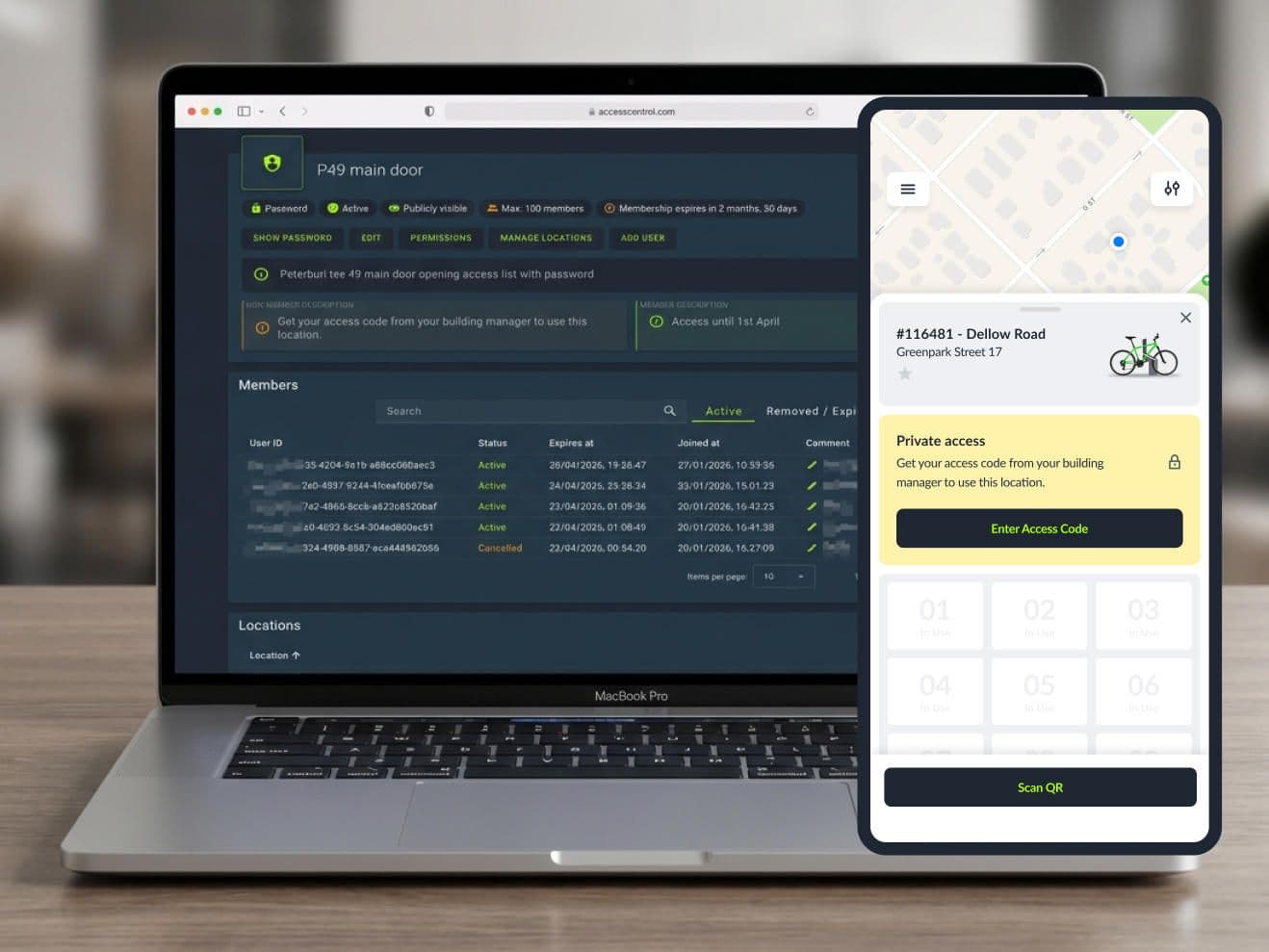
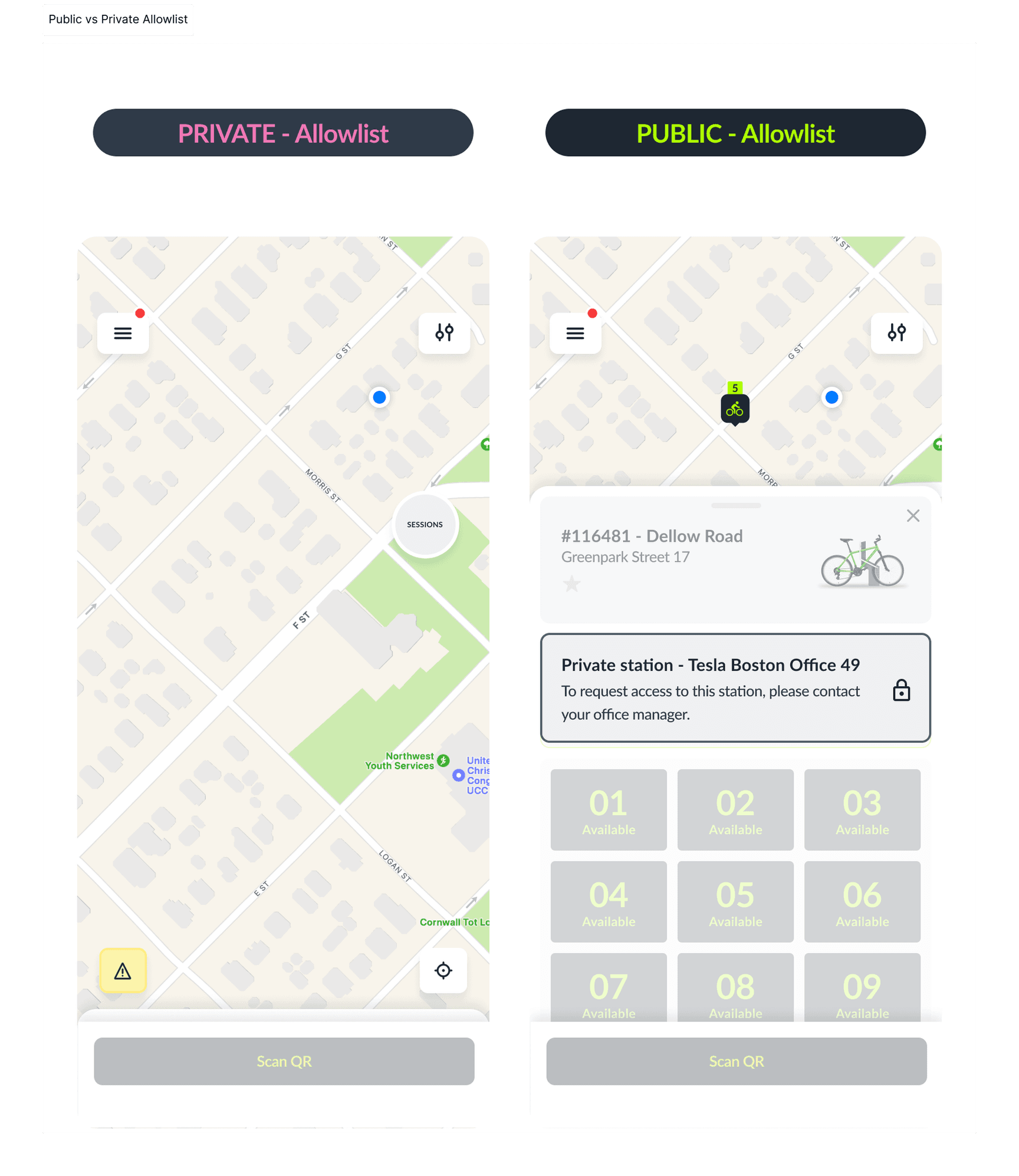
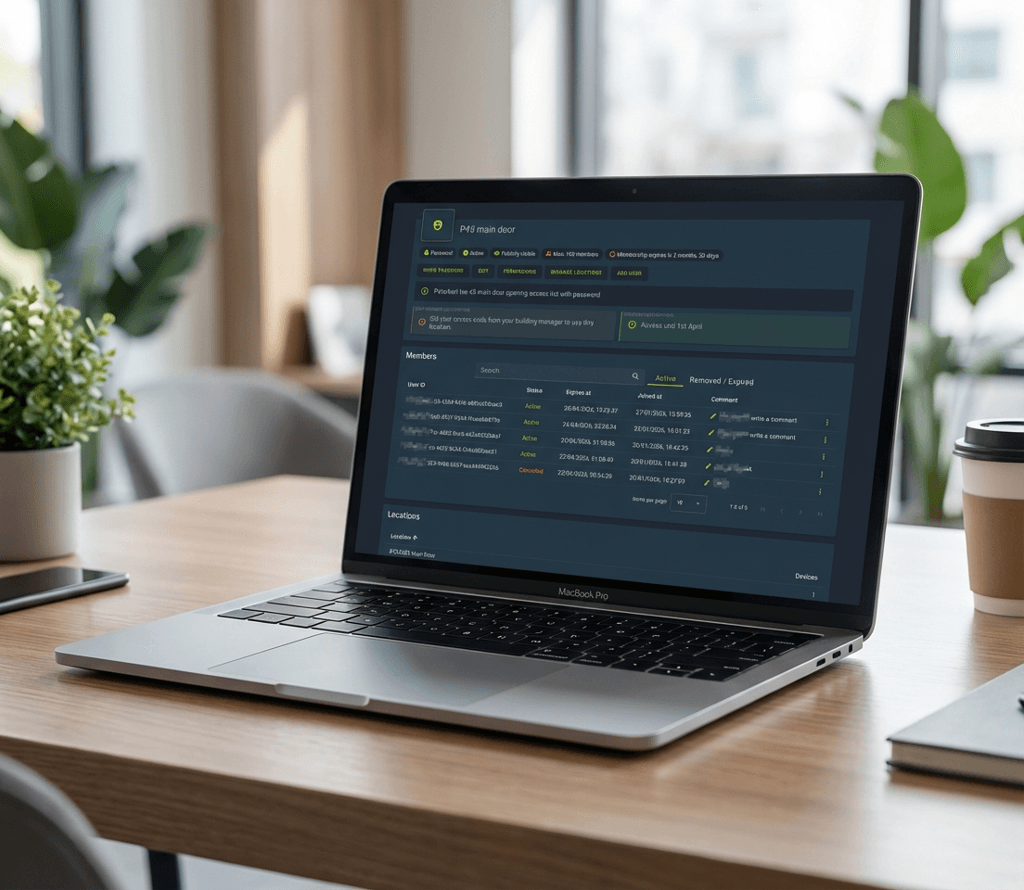
Build allowlists for your campus, office, or hospital. Bulk-import employee lists via CSV, set temporary access with expiration dates, and control who can park where.

2

Track Usage and Occupancy

See how your stations are being used — peak hours, average session length, occupancy patterns. Use data to justify adding capacity or adjusting placement.

3

Review Feedback and Maintenance

See user-reported issues at your locations, track maintenance status, and verify SLA compliance. Full transparency without managing the hardware yourself.

For City Admins
1

Oversee the Entire Network

Multi-organization view across districts, departments, and partner operators. One login to see every station in your city.

2

Plan Expansion with Demand Data

Users request new stations via the app. The Console aggregates these into interactive demand heatmaps — showing exactly where your city needs infrastructure next.

3

Report to Stakeholders

Pull network-wide usage, uptime, and mobility trend reports. Export to CSV, PDF, or share live dashboard links with council members and planning committees.

For Maintenance Teams

1

Receive Alerts via Slack

When users report issues or hardware health drops, your team gets a Slack notification with station location, problem description, and user photos.

2

Update Status in the Field

Mark tasks as IN_PROGRESS on arrival, DONE when finished. The Console tracks time spent, cost per task, and SLA compliance automatically.

3

Track Mean Time to Resolution

MTTR, tasks per station, cost trends — every metric to optimize your maintenance operation. Full audit trail for every resolved issue.

User Roles & Permissions